


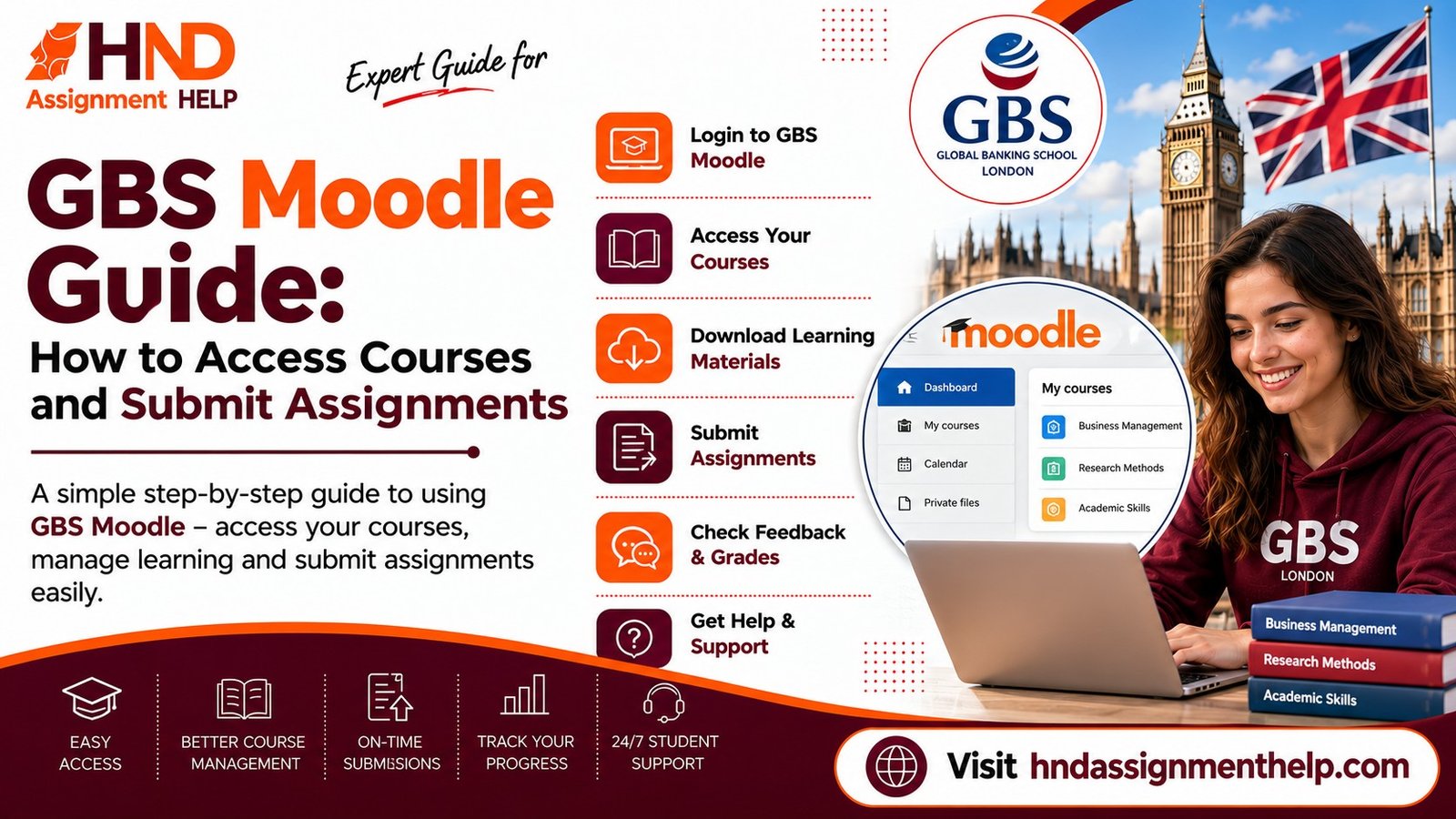
GBS Moodle Guide: How to Access Courses and Submit Assignments
GBS Moodle Guide: How to Access Courses and Submit Assignments
Global Banking School (GBS) uses Moodle as its virtual learning environment (VLE) for course materials, lecture recordings, and assignment submission. Many new students — especially those joining from outside the UK — find the platform confusing in their first few weeks. This guide covers the essentials so you can find what you need and submit work correctly.
Logging In and Finding Your Courses
Your GBS Moodle login uses your student email and the password set during enrolment. Once logged in, your enrolled modules appear on your dashboard. If a module you're studying doesn't appear, contact your course administrator — you may not be enrolled correctly on the system yet.
Finding Assignment Briefs and Deadlines
- Assignment briefs are usually posted in the module's "Assessment" or "Coursework" section
- Check the submission deadline carefully — GBS Moodle displays this in your local timezone by default, but always confirm against the official module handbook
- Marking rubrics and grading criteria are typically attached alongside the brief
Submitting Your Assignment
- Submissions are almost always via Turnitin, integrated directly into Moodle
- Always check your Turnitin similarity score before final submission where a draft check is enabled
- Submit well before the deadline — Moodle can be slow during peak submission times, and late submissions may be capped or rejected
- Keep a saved copy and a screenshot of your submission receipt
Common Moodle Issues
- File format errors: most GBS modules require .docx or .pdf — check your module's specific requirement
- Upload failures: try a different browser or clear your cache if the file won't upload
- Missing modules: contact IT support or your course administrator, not your personal tutor